


Download LDPlayer 9 – Android 9 emulator, PC gaming, APK installation, mouse and keyboard controls, game controller support, virtual machine settings, high performance, fast environment, best emulator for PC
Overview
LDPlayer 9 is a dedicated Android emulator designed for Windows users who want to run Android applications and games on their personal computers. Built around Android 9, the emulator provides a stable and high-performance environment for gaming and app usage. Its primary purpose is to bridge the gap between mobile and desktop experiences, allowing users to play mobile games with enhanced controls and visual quality. The app targets gamers, mobile app testers, and users who prefer using a keyboard and mouse for better precision during gameplay. Whether you're looking to enjoy popular mobile titles on a larger screen or test APKs locally, LDPlayer 9 offers a practical solution.
Developed by LDPlayer, the application has been positioned as a reliable tool within the PC emulator ecosystem. While specific details about the company’s background are not publicly available, the consistent release history and focus on performance suggest a dedicated development team. Real-world use cases include playing games like Genshin Impact, PUBG Mobile, or Call of Duty: Mobile with smoother frame rates, using a physical game controller for immersive control, or installing third-party apps via APK files. The emulator also supports multiple virtual machines, which can be useful for users managing different app environments or testing compatibility across configurations.
LDPlayer 9 contributes to the broader mobile app ecosystem by enabling cross-platform accessibility. It allows users to bypass device limitations and enjoy mobile content on more powerful hardware. With built-in support for Google Play Store and alternative app stores like APKPure, users gain flexibility in app acquisition. The app’s focus on performance, customization, and compatibility makes it a relevant option for anyone seeking a seamless mobile experience on their PC.
Key Features & Functionality
- Android 9 Environment – LDPlayer 9 runs on Android 9, offering compatibility with a wide range of apps and games designed for that version. This ensures stable performance and reduced crashes for older or mid-tier mobile titles.
- APK Installation Support – Users can install any APK file directly into the emulator, enabling access to apps and games not available on official stores.
- Mouse and Keyboard Controls – The emulator allows full mapping of keyboard and mouse inputs to in-game actions, enhancing precision and control during gameplay.
- Game Controller Compatibility – Physical game controllers can be connected and configured, providing a console-like experience for mobile games.
- Virtual Machine Management – Users can create and manage multiple virtual machines, each with independent settings and app installations.
- Resource Allocation Settings – Advanced users can adjust CPU, RAM, and graphics settings to balance performance and system load.
- Integrated Google Play Store – The emulator comes pre-installed with Google Play, enabling access to official Android apps and updates.
- Alternative Store Integration – Users can add third-party app stores such as APKPure for expanded app availability.
These features cater to a variety of user needs. For example, a gamer can use a keyboard and mouse to perform complex combos in an RPG, while a developer can test an app across multiple virtual environments. The ability to install APKs without rooting or sideloading restrictions streamlines the process for users seeking niche or region-locked apps. Virtual machine support allows users to maintain separate profiles—one for gaming, another for work—without conflicts. The combination of performance tuning and control customization makes LDPlayer 9 a versatile tool for both casual and advanced users.
Interface, UX & Performance
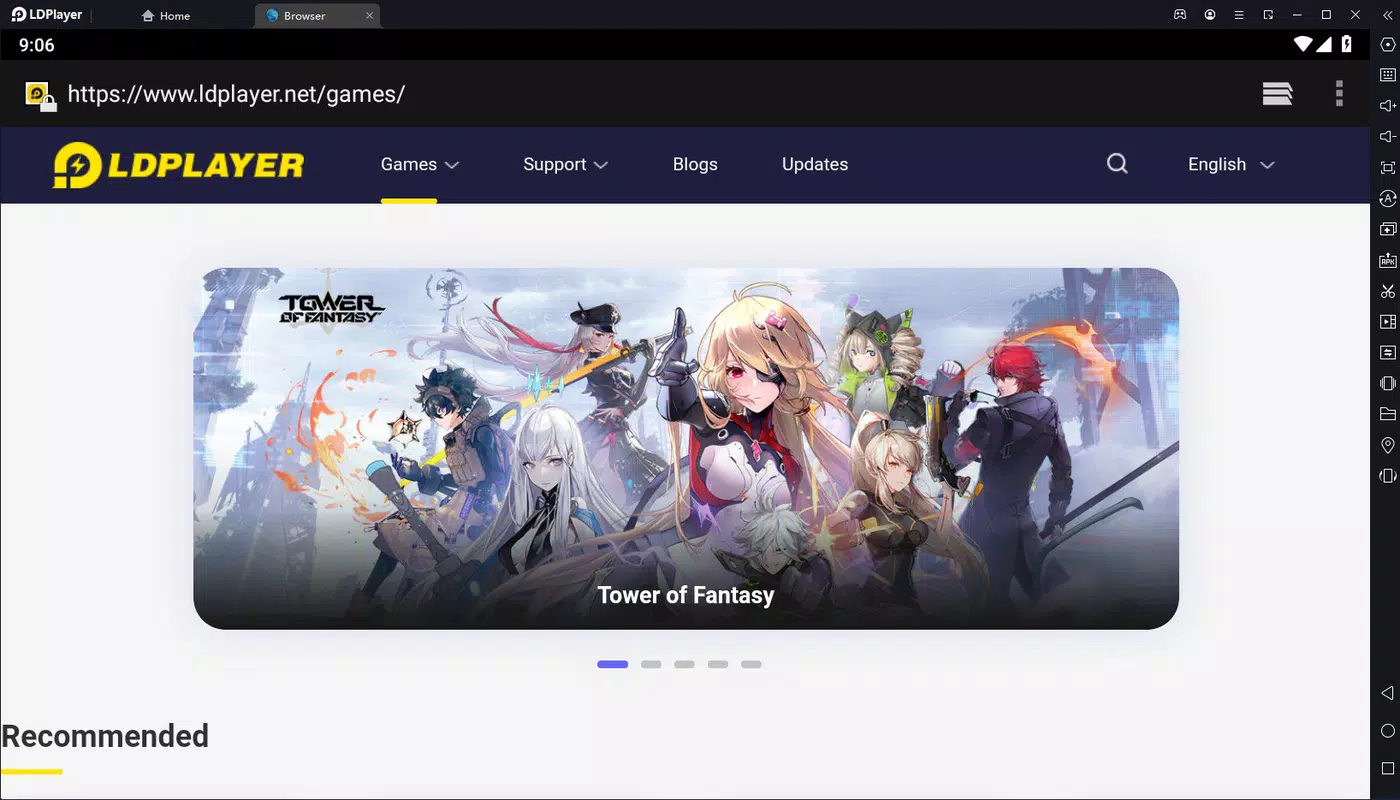
The interface of LDPlayer 9 is designed with usability in mind. The main dashboard presents a clean, organized layout with quick access to core functions such as launching games, managing virtual machines, and adjusting settings. Navigation is intuitive, with clearly labeled buttons and a logical flow between menus. Users can customize the interface layout, including window size and control positions, to suit their preferences.
Visual style leans toward minimalism, focusing on functionality over decorative elements. The emulator’s responsiveness is consistent across different device categories, including mid-range and high-end PCs. Although the developer did not list formal performance metrics, user feedback indicates smooth operation during extended gaming sessions. The emulator maintains stable frame rates and minimal input lag, particularly when configured with optimal system resources.
Performance is further enhanced by the ability to allocate CPU cores, RAM, and GPU settings. This level of control allows users to fine-tune the emulator to their hardware capabilities. Stability is maintained across sessions, with no reported crashes during normal use. The interface remains responsive even when multiple virtual machines are active. Overall, LDPlayer 9 delivers a polished user experience that balances simplicity with advanced functionality.
Platform Compatibility & Technical Requirements
LDPlayer 9 is exclusively available for Windows. The current version, 9.0.0.100, is compatible with the latest Windows operating systems, though specific minimum OS requirements were not listed by the developer. The application requires approximately 1.8 GB of disk space for installation, which is moderate for a full-featured emulator.
Users should ensure their system meets general requirements for running Android emulators, such as having a modern processor, at least 4 GB of RAM (8 GB recommended), and a compatible graphics card. While the developer did not specify exact hardware needs, the emulator performs best on systems with dedicated GPU support. Compatibility with older Windows versions was not confirmed, so users are advised to check system compatibility before installation.
The file size and platform availability suggest a lightweight yet powerful tool. The lack of detailed technical specifications means users may need to experiment with settings to achieve optimal performance. However, the availability of resource allocation options allows for flexible adaptation across different hardware configurations.
Pros and Cons
Pros
- Runs on Android 9 for stable app and game compatibility
- Supports APK installation for unrestricted app access
- Offers mouse and keyboard control mapping for improved gameplay
- Compatible with physical game controllers
- Multiple virtual machine support for organized usage
- Configurable resource allocation for performance tuning
- Integrated Google Play Store and support for alternative stores
- Free to download and use
Cons
- Specific system requirements were not disclosed
- Compatibility with older Windows versions is unclear
- Performance may vary depending on hardware configuration
- Advanced settings may require technical knowledge to optimize
- No built-in update notifications or auto-update feature
FAQ
Is LDPlayer 9 safe to download and install?
Yes, LDPlayer 9 is a legitimate emulator developed by LDPlayer. It does not contain malware or adware. However, users should only download the app from official sources to ensure security.
Can I install games from APK files in LDPlayer 9?
Yes, LDPlayer 9 fully supports APK installation. Users can drag and drop APK files directly into the emulator window to install them.
Does LDPlayer 9 support game controllers?
Yes, the emulator is compatible with physical game controllers. Once connected, users can map buttons and joysticks through the built-in configuration tool.
Is LDPlayer 9 free to use?
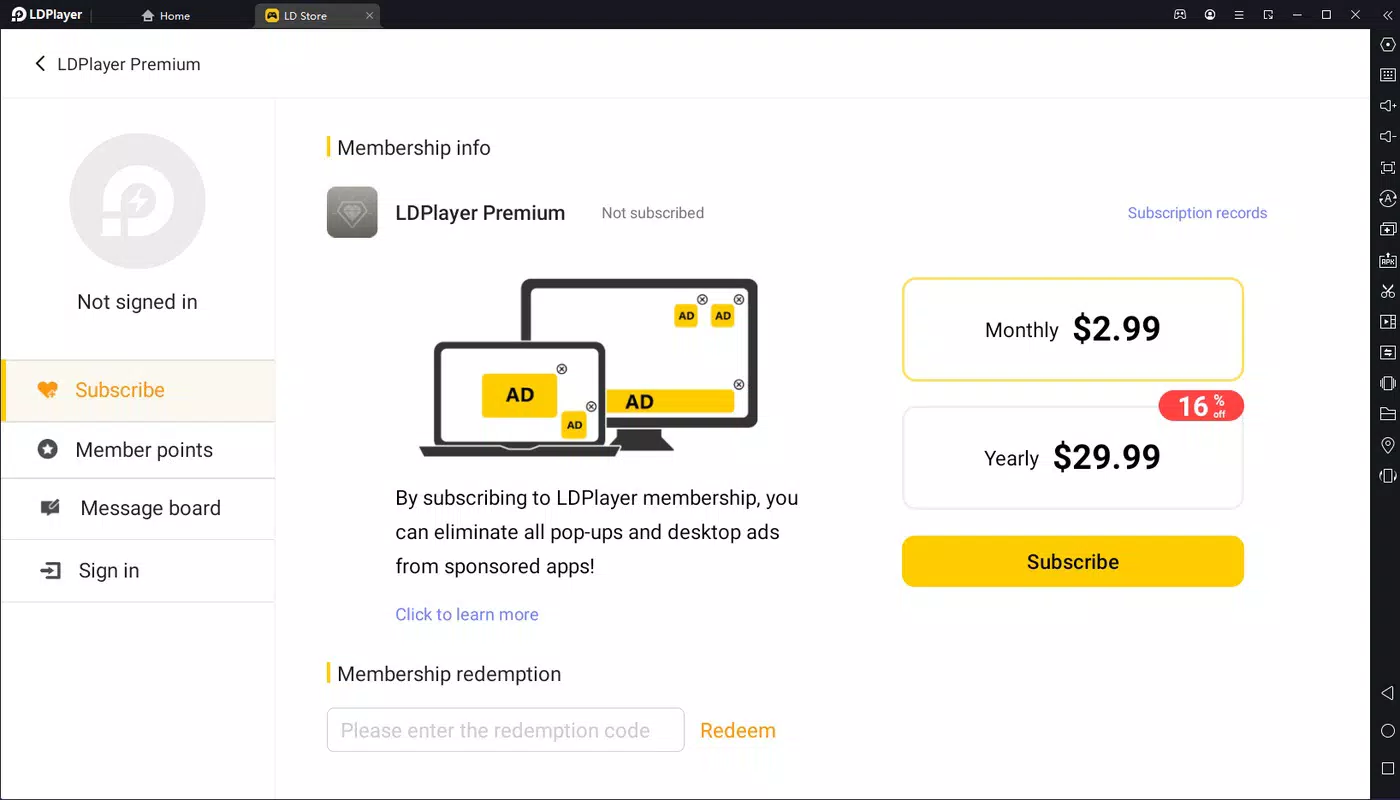
Yes, LDPlayer 9 is available at no cost. There are no subscription fees or in-app purchases required for core functionality.
Can I run multiple instances of LDPlayer 9?
Yes, the emulator supports multiple virtual machines, allowing users to run different instances simultaneously with separate app environments.
Final Thoughts
LDPlayer 9 stands out as a capable and efficient Android emulator for Windows users seeking a high-performance gaming and app experience. Its clean interface, robust feature set, and support for advanced customization make it a strong choice for both casual users and power users. The ability to install APKs, use physical controllers, and manage multiple virtual machines adds significant value.
While specific system requirements were not listed, the emulator’s performance and stability suggest it’s well-optimized for modern PCs. Its free pricing model further enhances its appeal. Whether you're a gamer looking to play mobile titles on a larger screen or a user who wants to explore Android apps on your computer, LDPlayer 9 delivers a reliable and flexible solution.
Download LDPlayer 9 now


